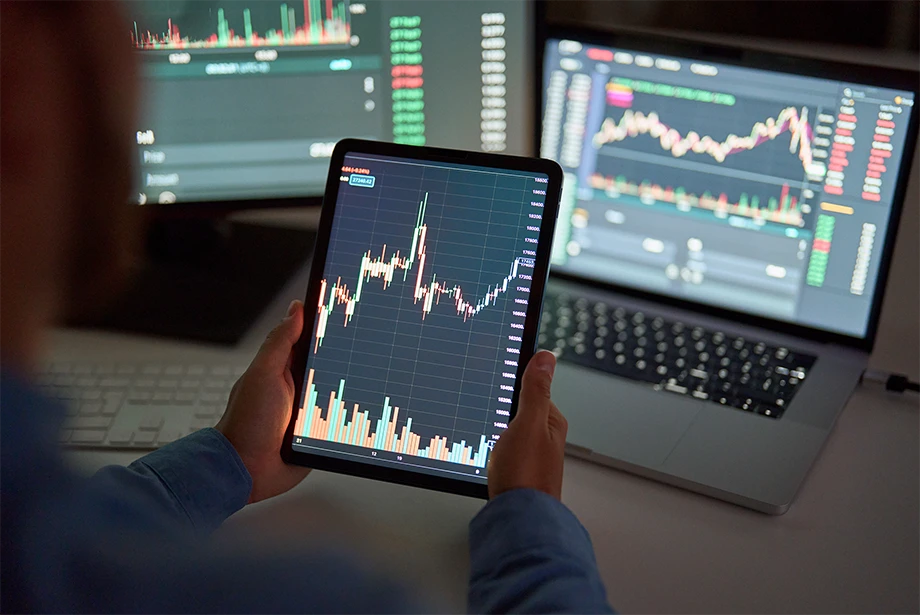
A lot of traders operate TradingView on a daily basis without even knowing the number of useful tools that are incorporated in the system. Although most users are well conversant with its charting and analysis features, a number of unfamiliar features can greatly enhance efficiency and market knowledge. The tools are more insightful and responsive and enjoyable to the traders as they allow traders to customize their approach beyond regular chart watching.
Not many traders exploit the hotkeys and shortcuts in TradingView. The available options enable the users to change timeframes, draw lines, and apply indicators within seconds without going through various menus. This is because custom hotkeys can be configured to make the analysis process easier and time-saving, particularly when multiple markets are being observed by the active traders. The enhanced speed and accuracy can create a perceivable change in response to abrupt changes in the market.
The bar replay tool is also a feature that has not been properly appreciated and has great learning potential. It enables the user to simulate the past price movements as though they were actually occurring in real time to enable them to test strategies and improve on their decision making. This tool is particularly handy to traders who would like to know how they would have reacted in real-life situations. With such a functionality, traders would be in a position to enforce discipline thus obtain experience practically without taking risks.
The ability to develop personal indicators using Pine Script is an aspect that many traders do not focus on. The TradingView allows users to create or customize indicators to match their distinctive trading practices. Even minor modification in code can result in the creation of tools that better suit personal preferences including the integration of moving averages with certain alert settings. Knowing fundamental scripting can result in additional opportunities to create a set-up that suits the style of trading perfectly.
One more effective functionality that improves organization is saving chart templates. It allows traders to save custom layouts, including indicators, timeframes and color schemes. This allows one to easily alternate between asset or strategy specifications and not have to start all over again. Being consistent with visual arrangements helps one to be less confused and order the analysis process in a systematic and smooth manner.
The TradingView alert system is not as primitive as most people think. The traders are able to develop alerts on various conditions rather than depending solely on the price levels. As an example, a crossover of indicators or certain volume changes can be taken to generate an alert. Such conditional alerts automatize some of the monitoring procedures and make traders remain alert only when important setups have taken place.
Another undocumented benefit that aids the active traders is that notes and chart drawings are synchronized across devices. Anything marked or drawn on a single device can be visible on another, which ensures that there is no difference in the workflow on mobile and desktop. Such synchronisation will provide continuity in analysis even with cross-platform use during the day.
All in all, TradingView is much more than many traders can find at first. The discovery of utilizing tools such as hotkeys, bar replay, Pine Script, and advanced alerts can transform the way traders interact with the market. These lesser-known features can also allow users to personalize the trading experience, improve speed, and get organized by implementing these tools into their daily routing, which also enhances their ability to consistently perform, by making more informed decision making.